Bandit Level 16
- There are several ports open in the range 31000–32000 on localhost.
- The challenge is to figure out which one speaks SSL and also returns the next credentials, rather than just echoing back what you send it.
- First step is scanning the port range with
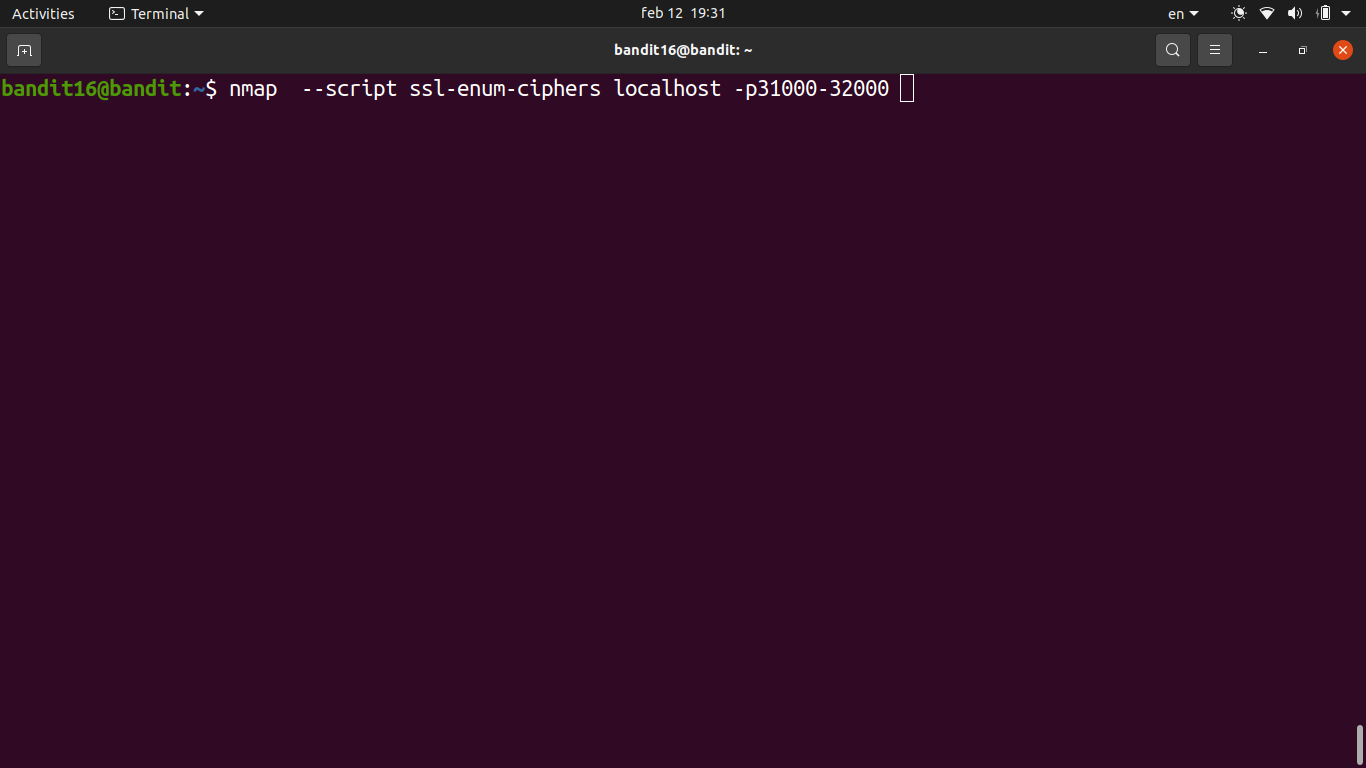
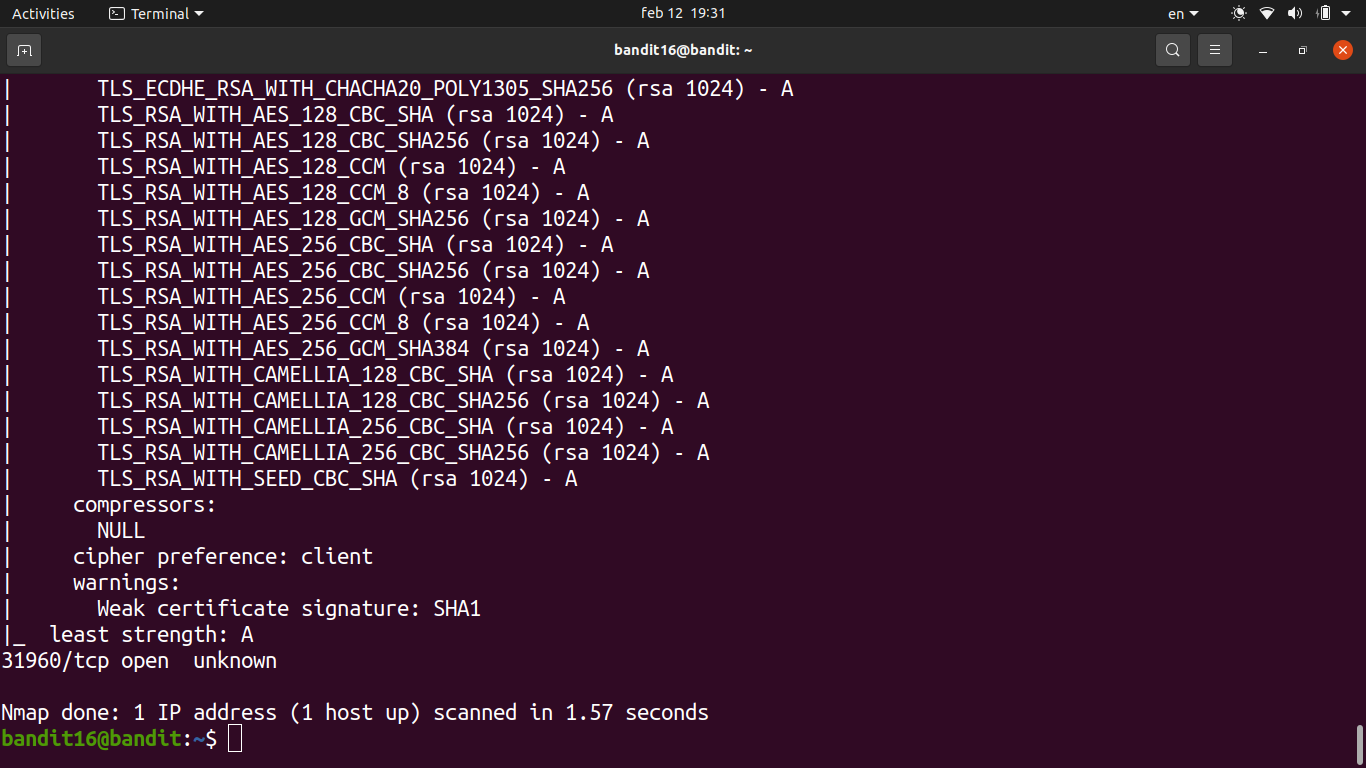
nmapto see what’s open and what services are running.- This quickly narrows down which ports speak SSL vs. plain TCP.
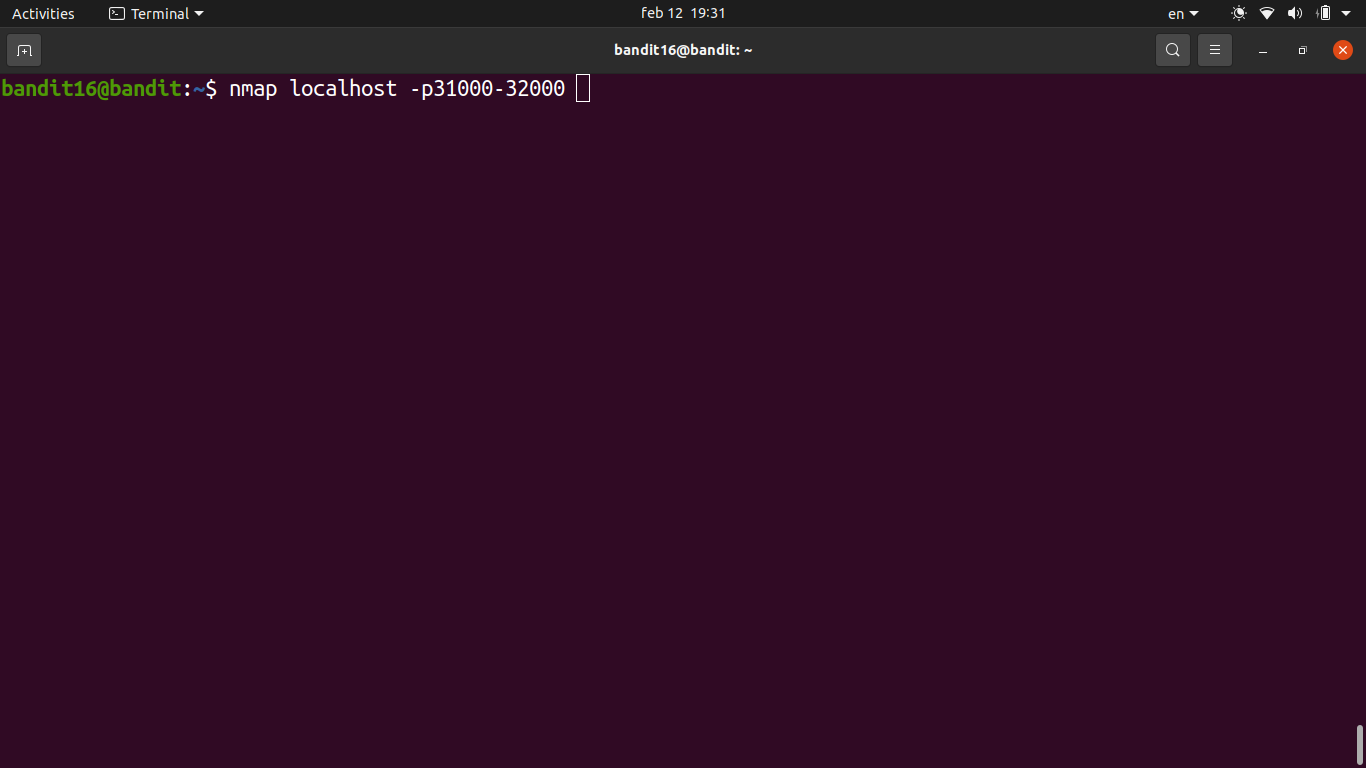
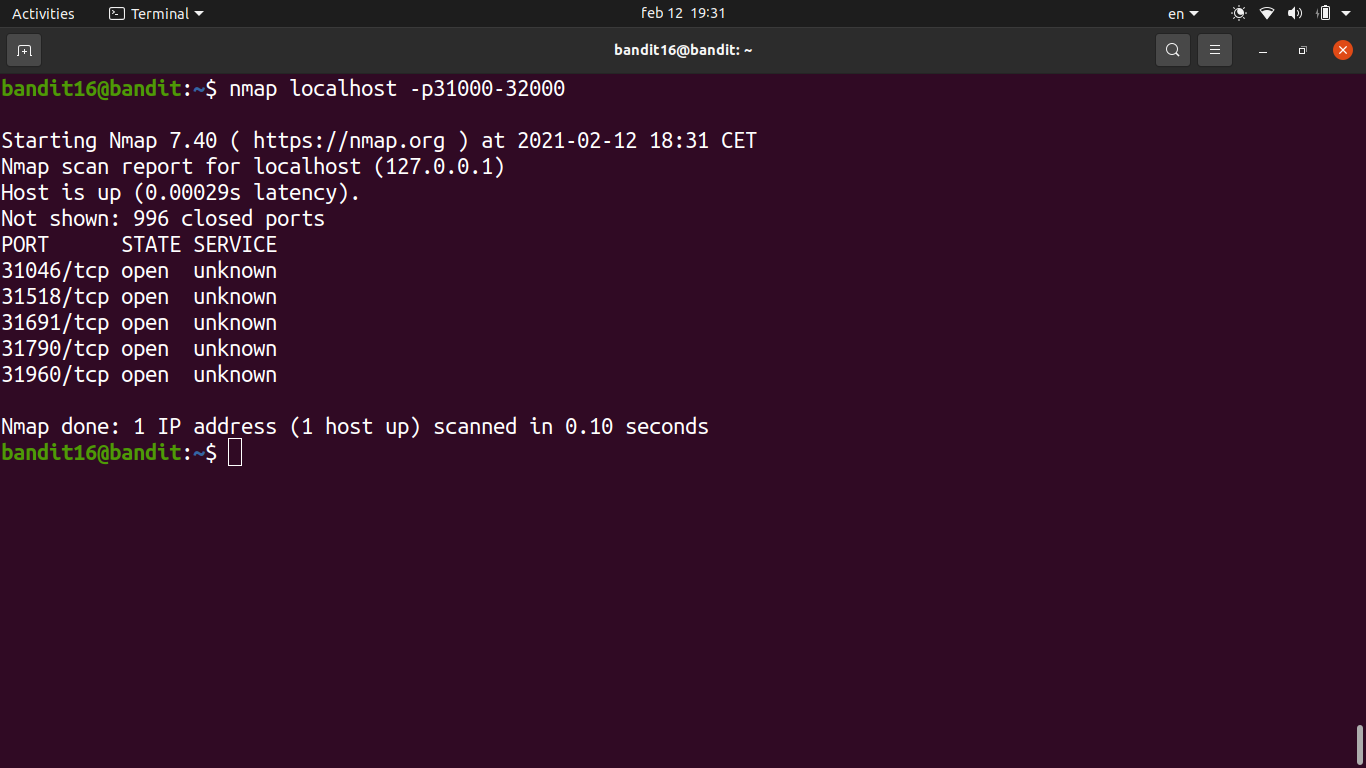
- Identified the correct SSL port from the nmap output — only one of them returns credentials instead of echoing.
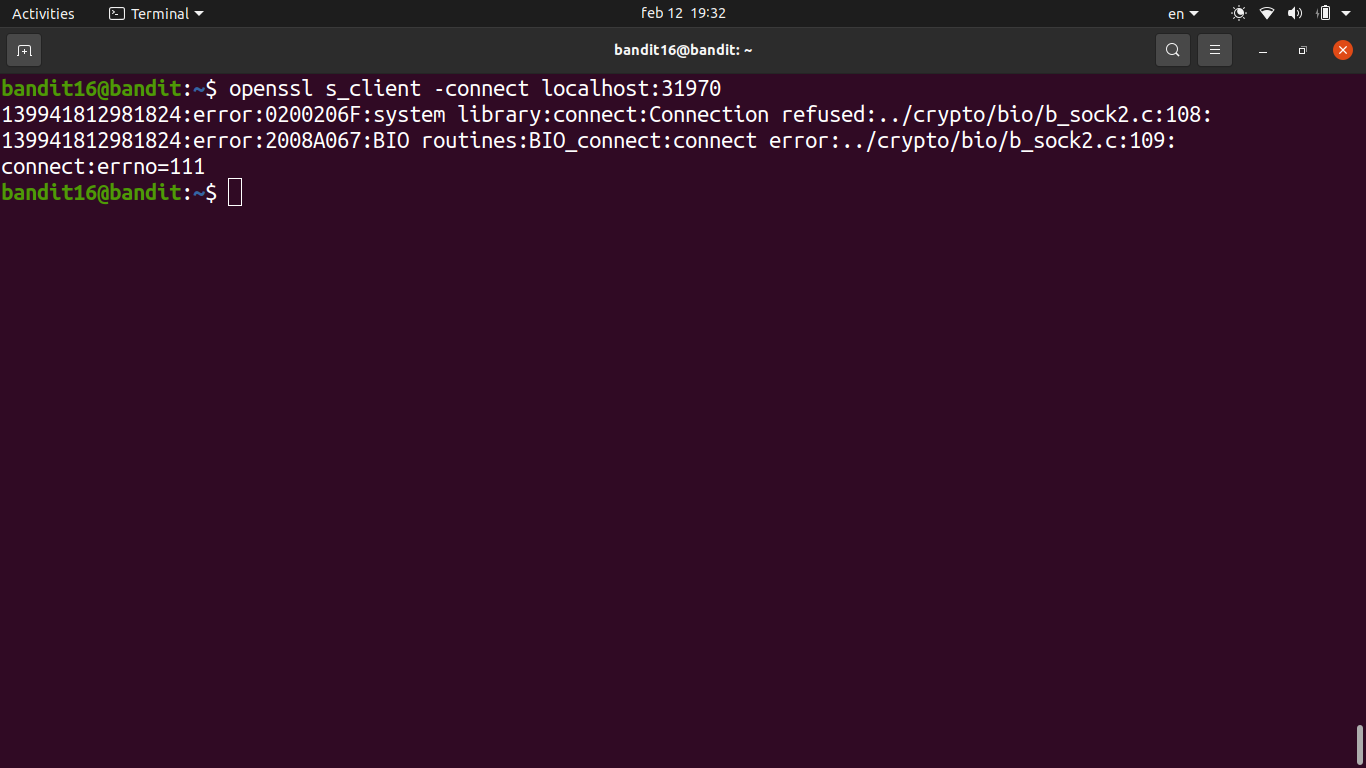
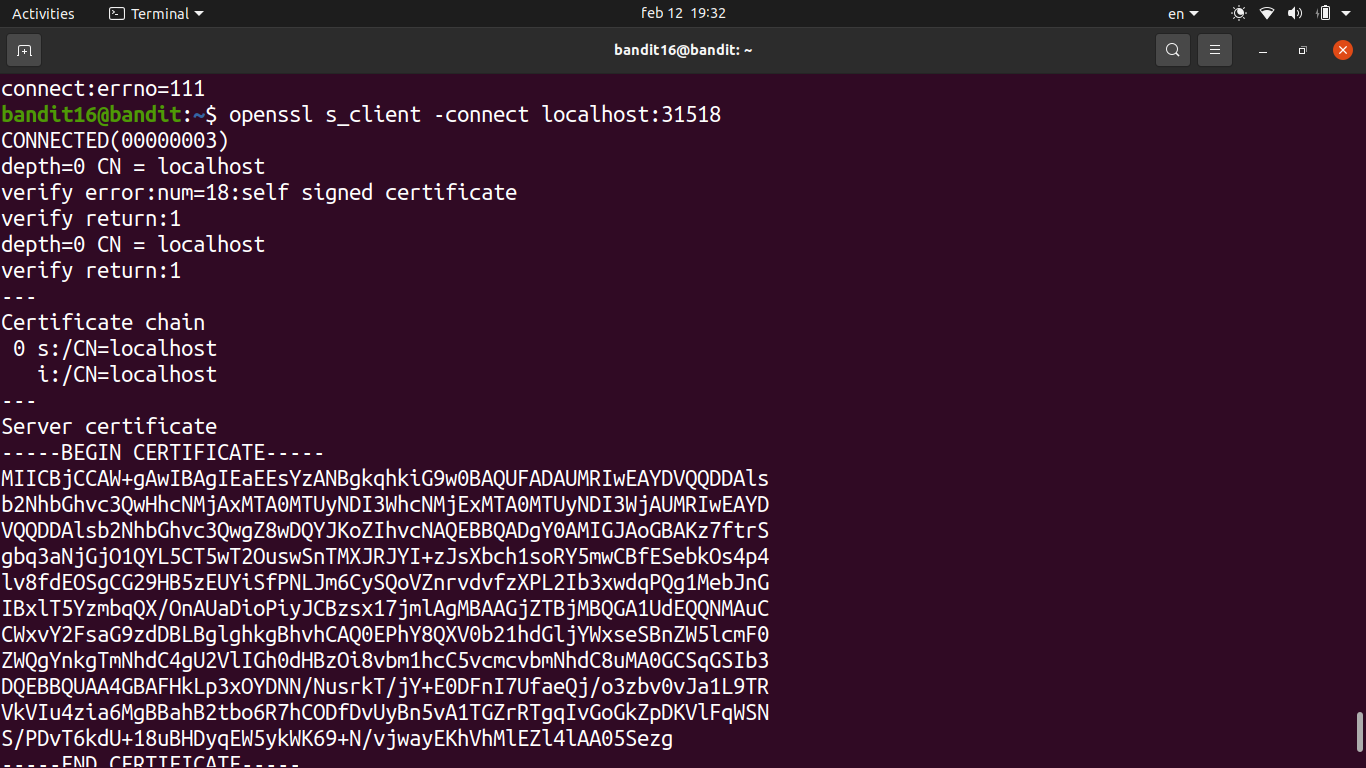
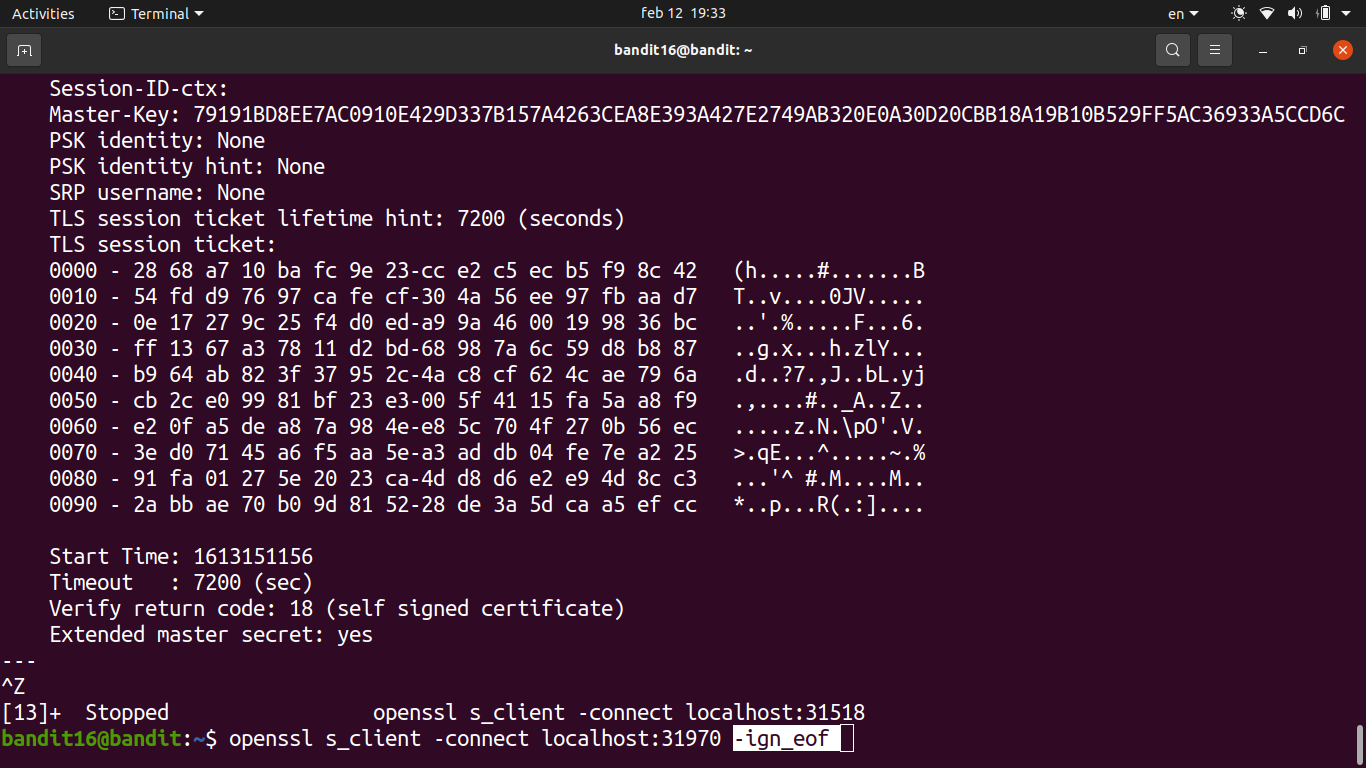
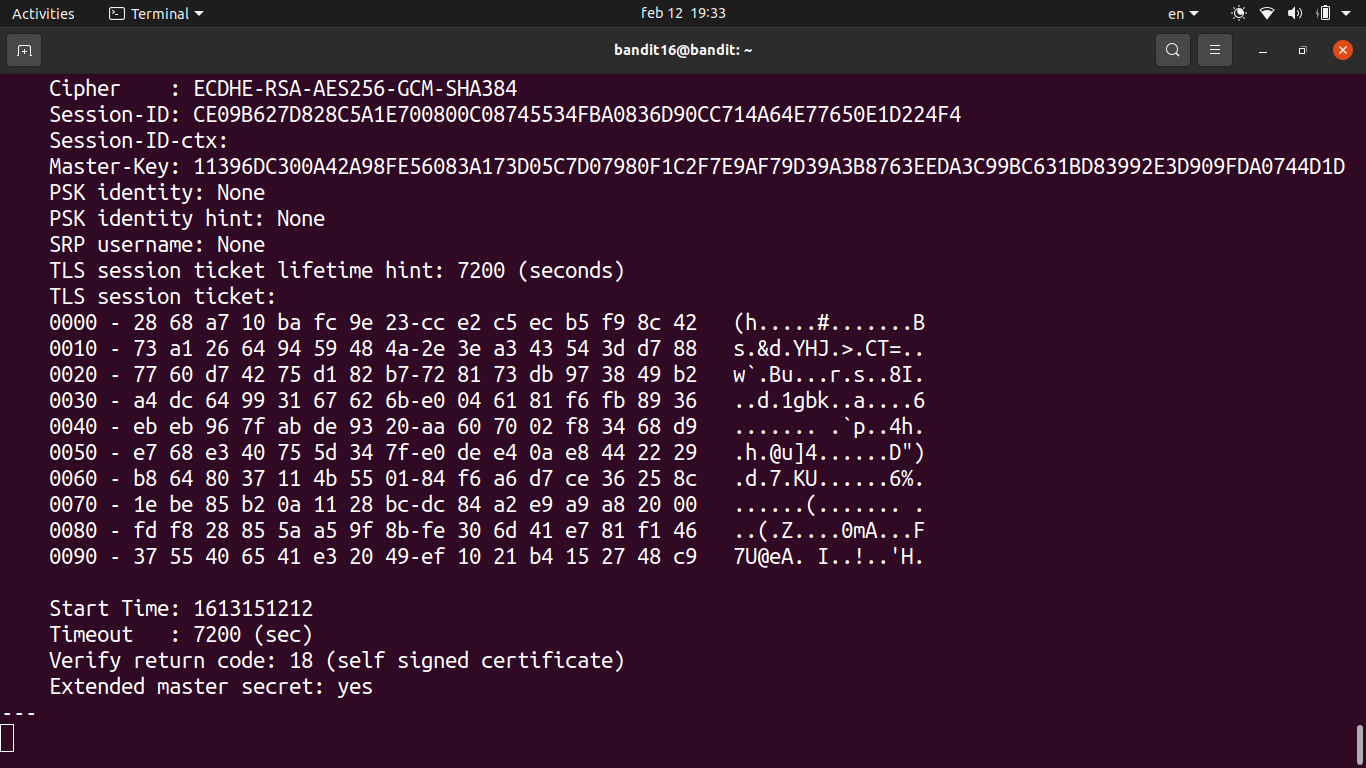
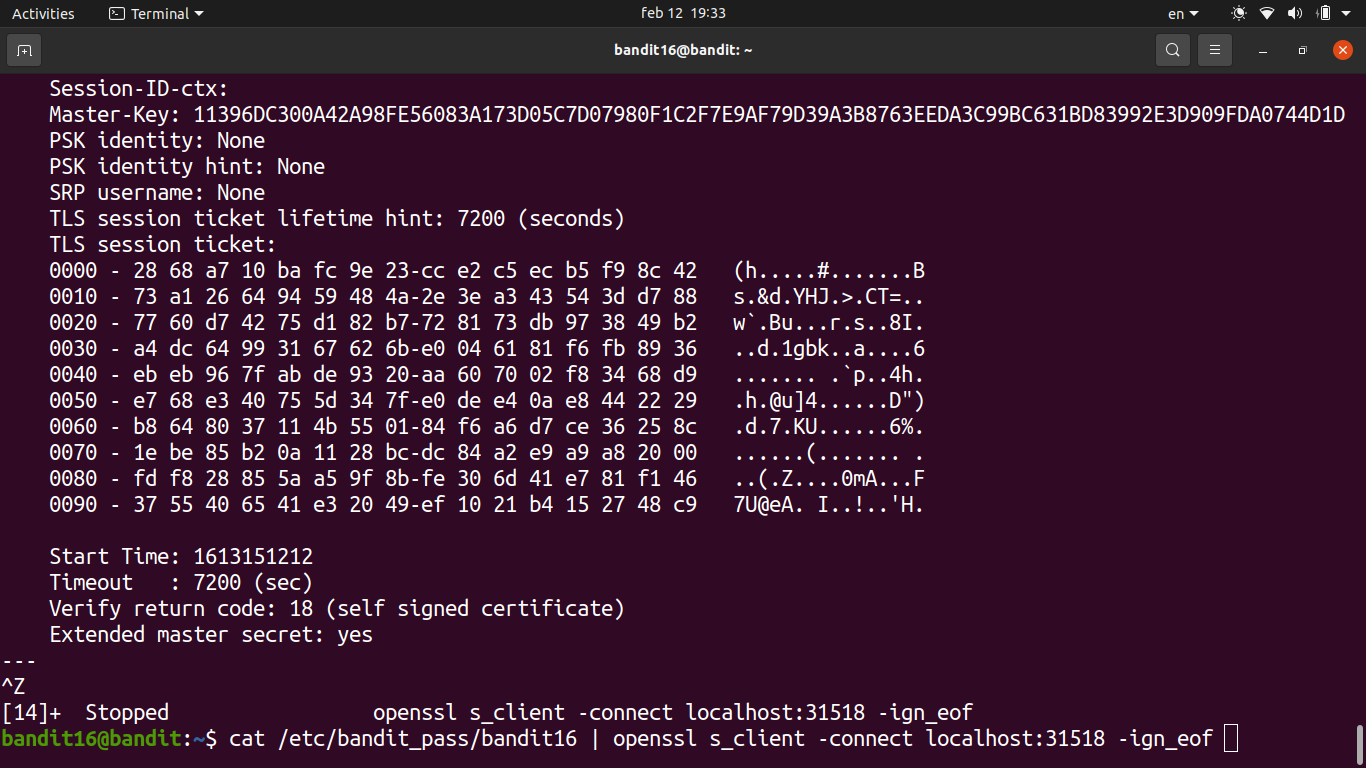
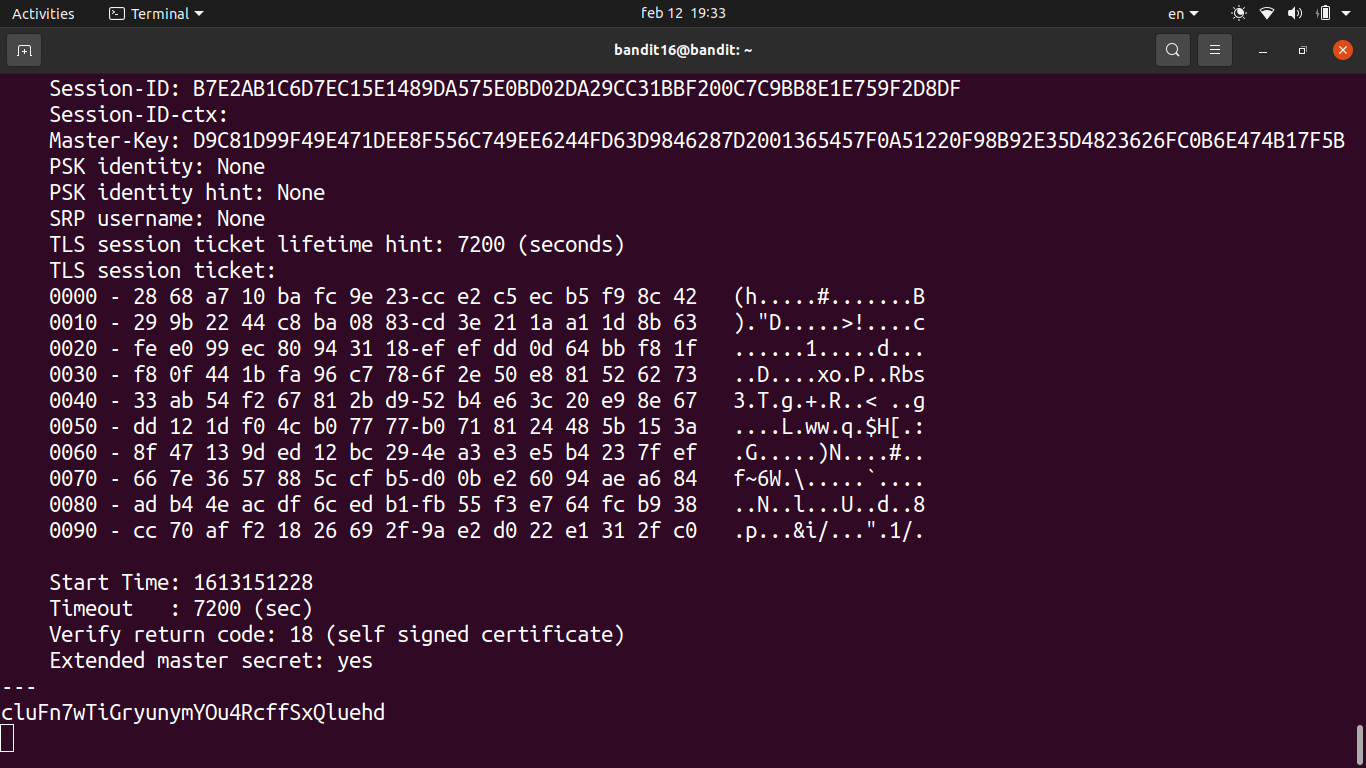
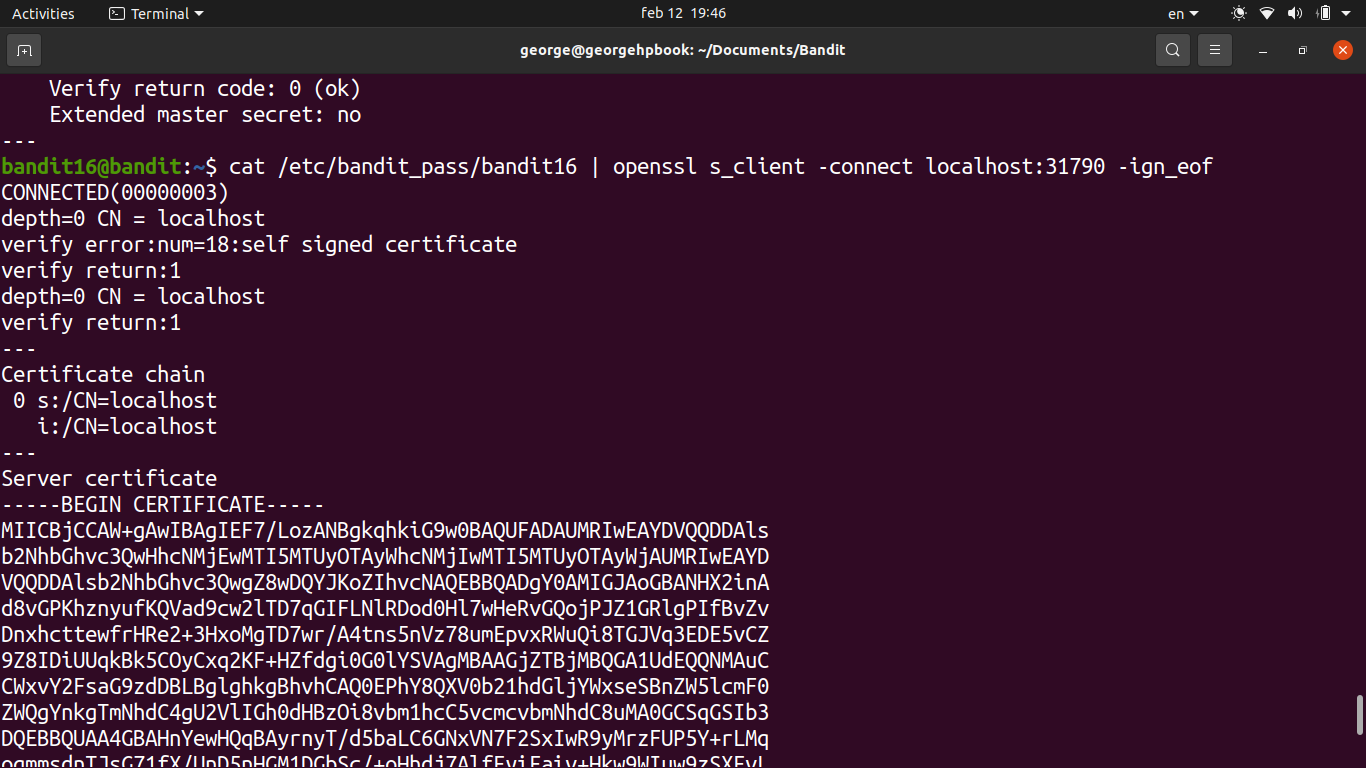
- Connected using
openssl s_client -connect localhost:<port>and submitted the current password.
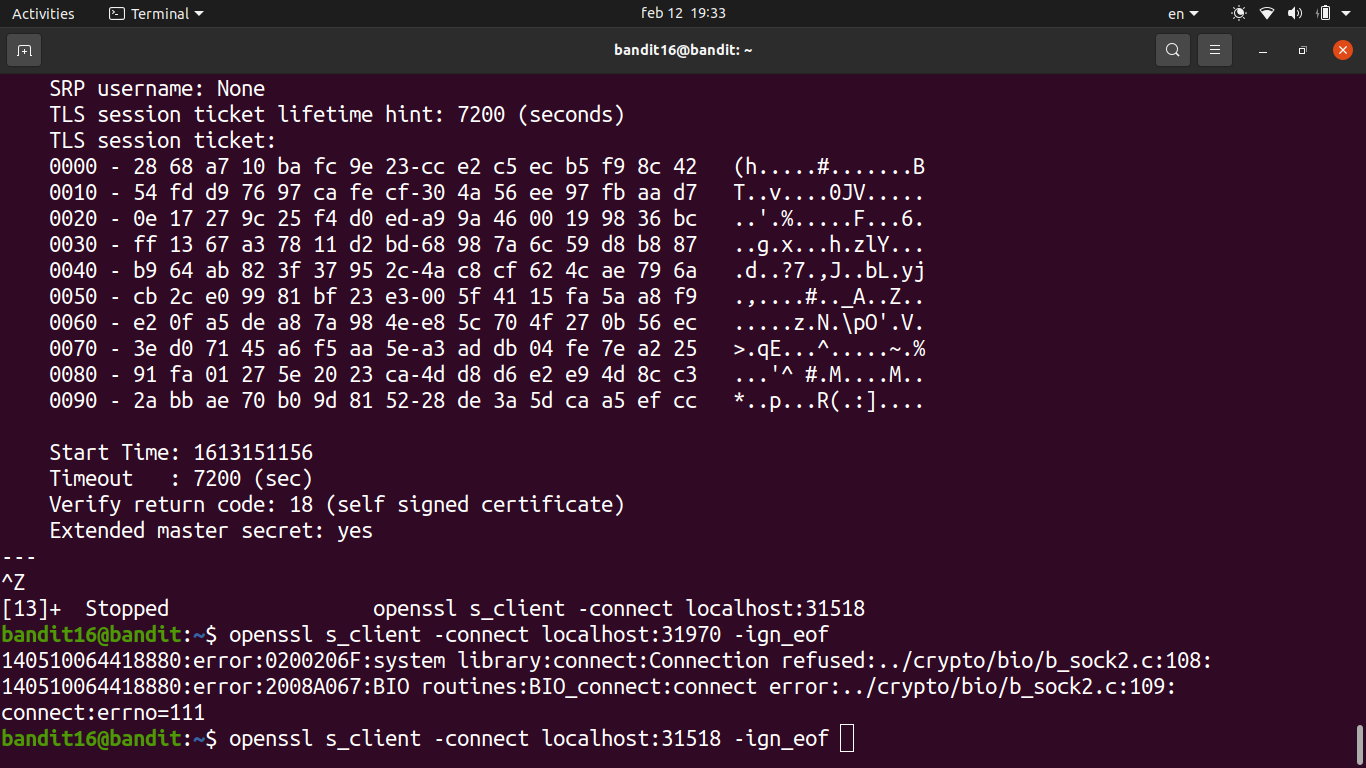
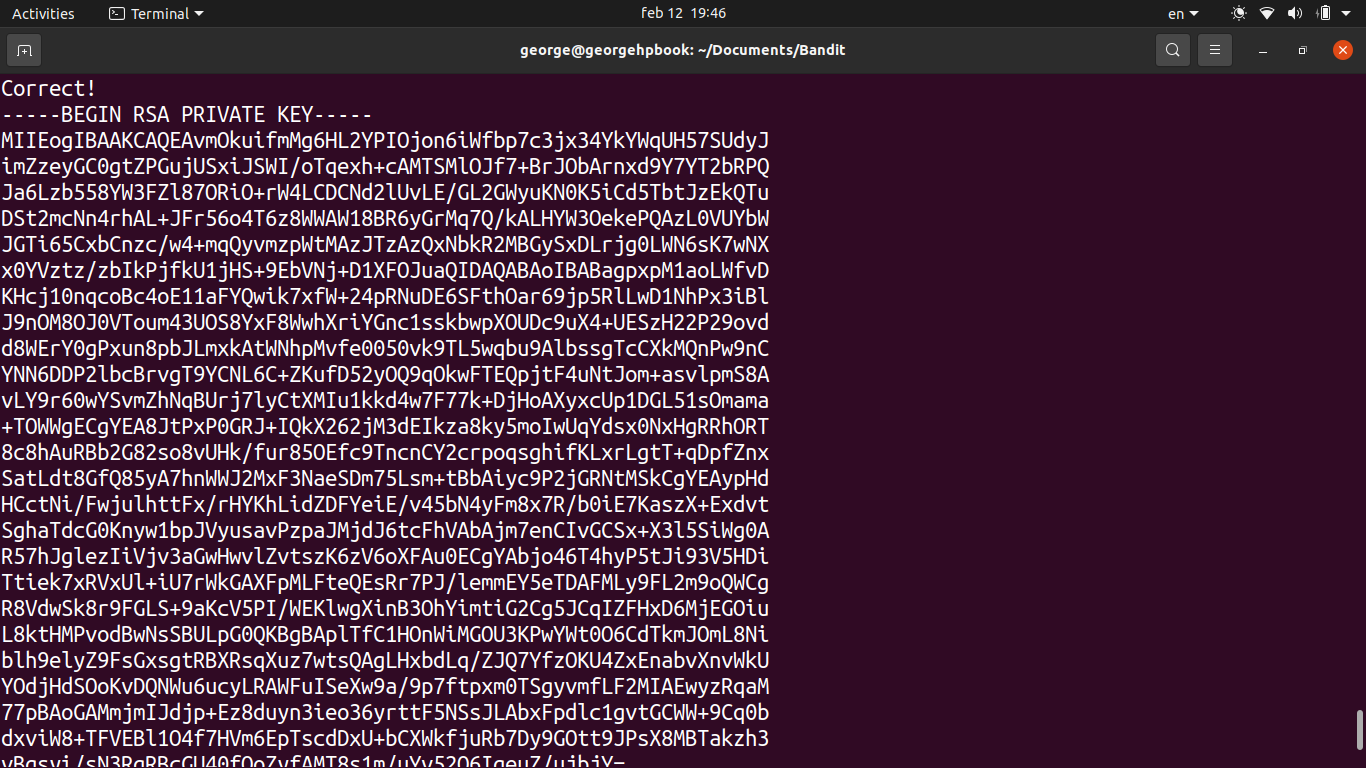
- The service responded with an RSA private key instead of a plain password. This is the SSH key for bandit17.
- Saved the private key to a file in
/tmp, then set the correct permissions withchmod 400— SSH won’t accept a key file that’s world-readable.
- Used the key to SSH into bandit17:
ssh -i /tmp/key.pem bandit17@localhost -p 2220
Password
cluFn7wTiGryunymYOu4RcffSxQluehd